

Description
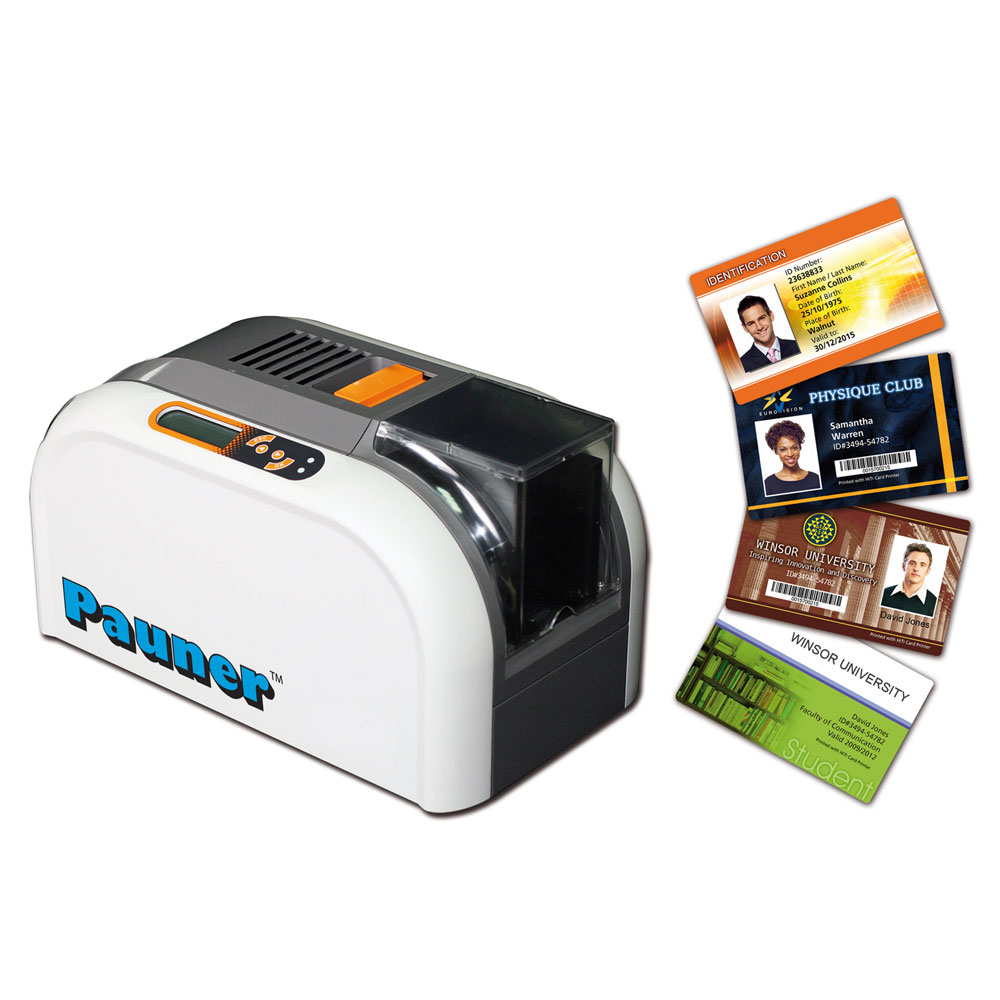
The Pauner H200E ID card printer is designed for small businesses, schools, healthcare facilities, and organizations that need secure, professional ID cards on demand. It combines reliable thermal printing, easy setup, and durable output for everyday ID card production in the USA.
What Is an ID Card Printer and How Does It Work?
-
Prints plastic PVC cards using dye sublimation technology
-
Commonly used for employee badges, student IDs, and access cards
-
Supports photo IDs, barcodes, QR codes, and text
Who Is the Pauner H200e ID Card Printer Best For?
-
Small and medium-sized businesses
-
Schools and universities
-
Hospitals and clinics
-
Event organizers
-
Government and corporate offices
Key Features of the Pauner H200e ID Card Printer
-
High quality dye sublimation plastic card printing for clear text and photos
-
Compatible with standard PVC ID cards
-
Easy USB connectivity for fast setup
-
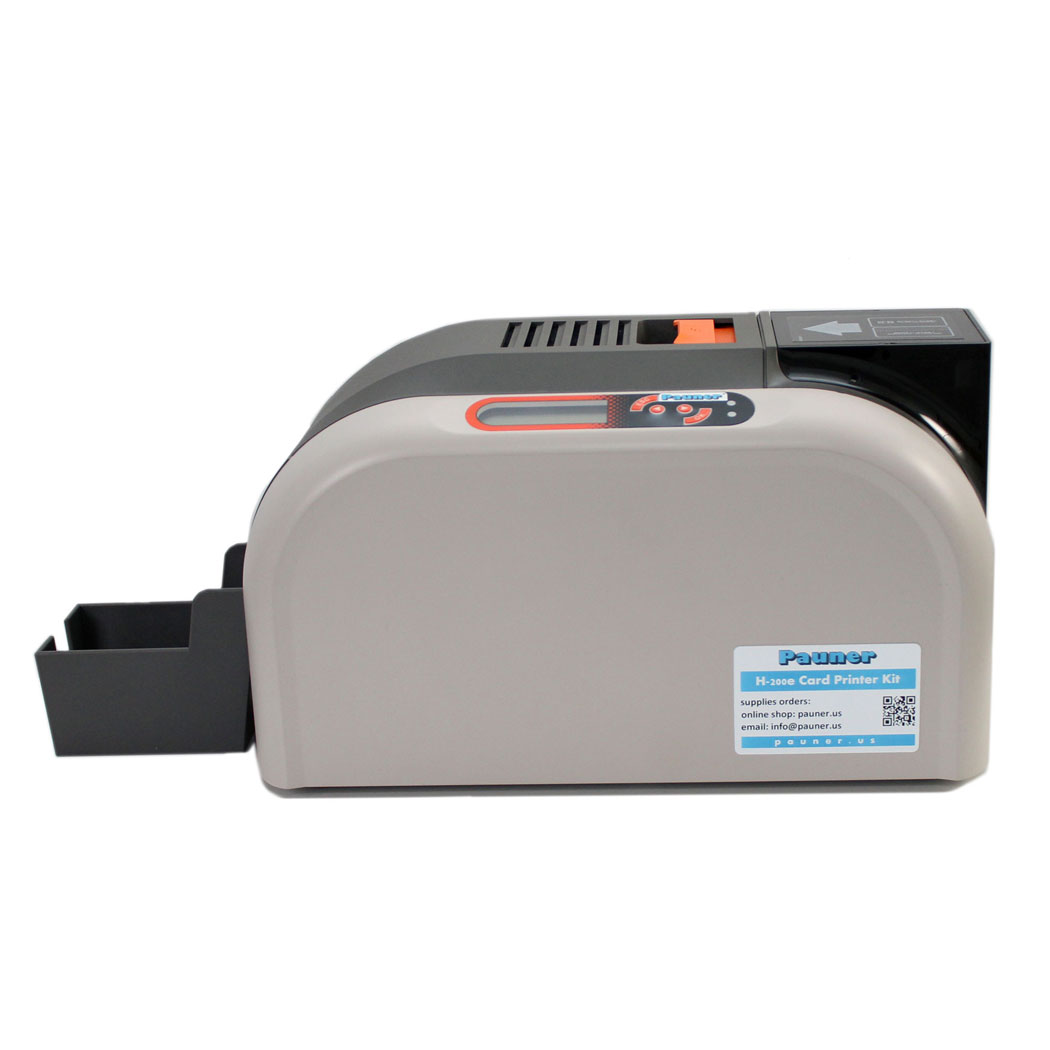
Compact design suitable for office environments
-
Ideal for low to medium card volumes
Pauner H200e vs Other ID Card Printers
| Feature | Pauner H200e | Typical Entry-Level Printer |
|---|---|---|
| Setup | Easy | Medium |
| Print Quality | High | Medium |
| Use Case | Office / School | Limited |
| Cost Efficiency | High | Medium |
Common Use Cases for the Pauner H200e
-
Printing employee ID badges in-house
-
Creating student IDs for schools
-
Visitor passes for offices
-
Membership cards for gyms or clubs
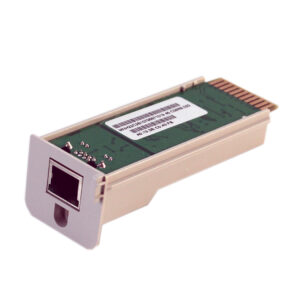
ID card printer Pauner H-200e kit includes everything you need to make cards. The id card printer system is installed on the computer via a USB connection. An Ethernet network connection for the ID badge printer is available as an accessory if necessary. The id card printer is compatible with Windows and Mac OS operating systems.
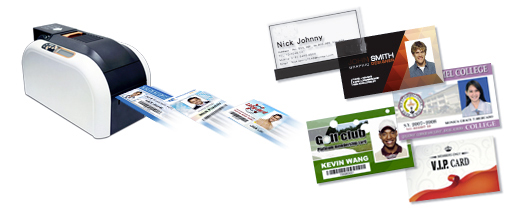
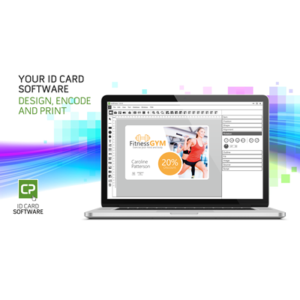
ID badge printing software included in the ID card printer kit
The id card printer delivery includes the CardDesiree CS Windows program for designing and printing cards. It is a versatile and easy-to-use program for designing and printing cards. With it, you can easily create an unlimited number of different card layouts for different card needs. When you start making cards, open the card layout you created. Write variable text fields in it. You can also use the copy-paste function. If you are making a large number of cards, you can read the information to be printed from an Excel list or database. For example, when making conference participant cards, the Excel reading feature makes it easier to make cards. If you are making a picture ID card, you can easily attach an image from a file and crop it if necessary.
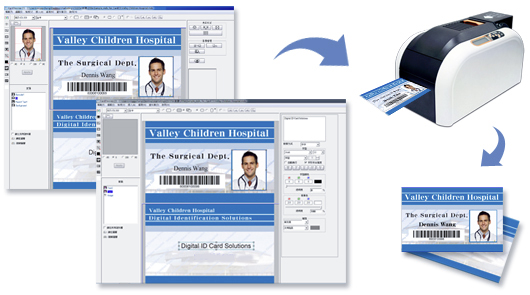
Software for Windows and Mac OS
The delivery also includes another software CardPresso XXS. It is compatible with the Mac OS operating system in addition to the Windows operating system. The XXS version has basic functions and if necessary, you can purchase a more extensive version of the cardPresso program according to your needs.
The ID card printer prints cards quickly. When you click the print button, you get a finished card in less than 20 seconds. The printing is durable because the card printer prints directly onto the plastic material of the plastic card. The color does not come off when rubbed.
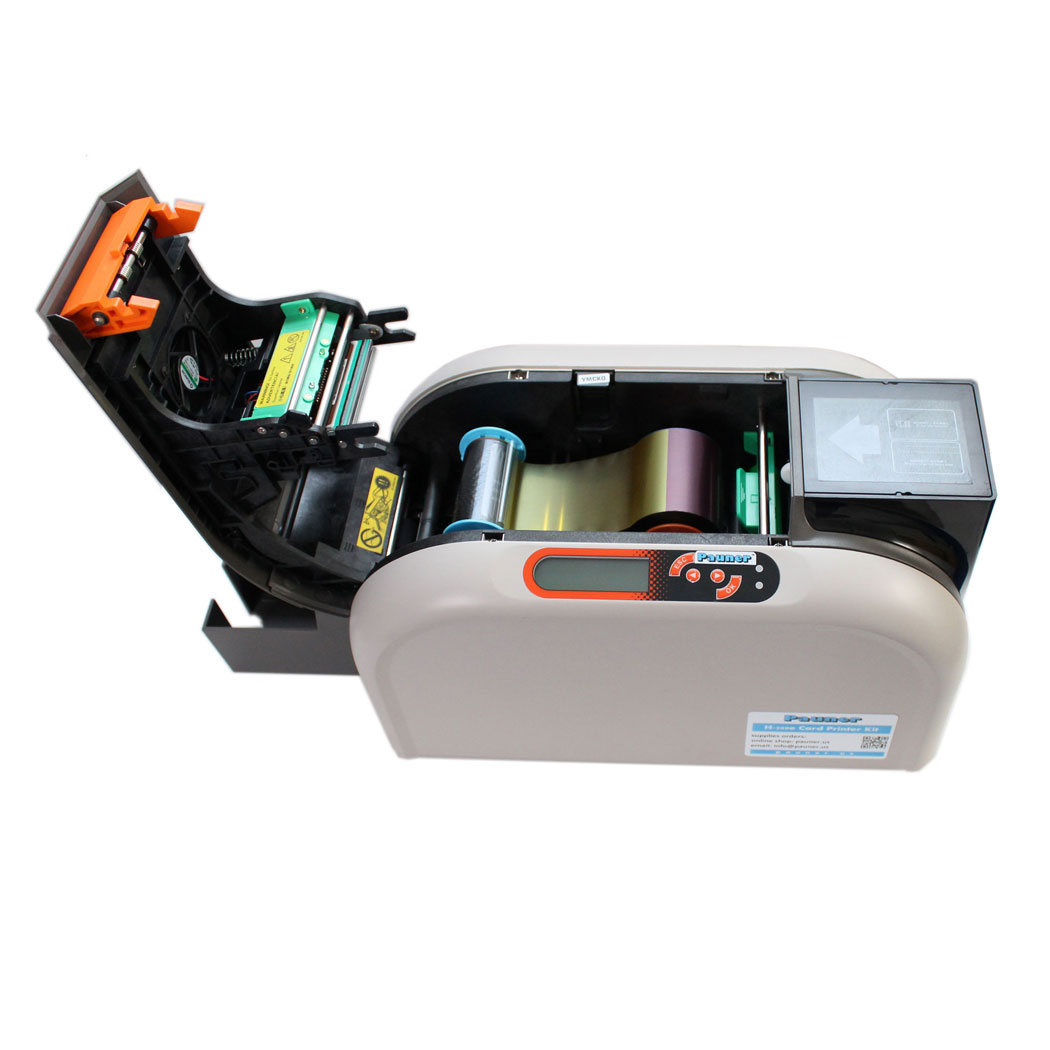
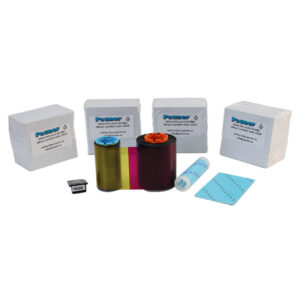
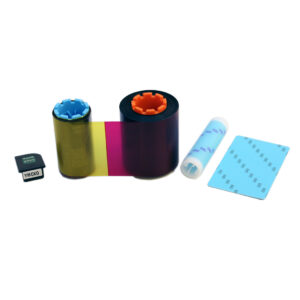
ID card printer Pauner H-200e Kit includes 1 color ribbon containing all printing colors, with a yield of 400 cards printed on one side. You can order more color ribbons in the amount you need. The card printer is standard for printing on one side. If necessary, you can get a flipper module that automatically flips the cards, allowing you to print on both sides of the card with one print, i.e. double-sided printing. With a standard single-sided printer, you can also print on both sides of the card if you manually flip the cards over in the input hopper. That is, first you print one side. Then you flip the card over and print the other side. That is enough if you rarely print double-sided cards. If you often print double-sided cards, it is worth getting a flipper module as an accessory.
About pvc cards
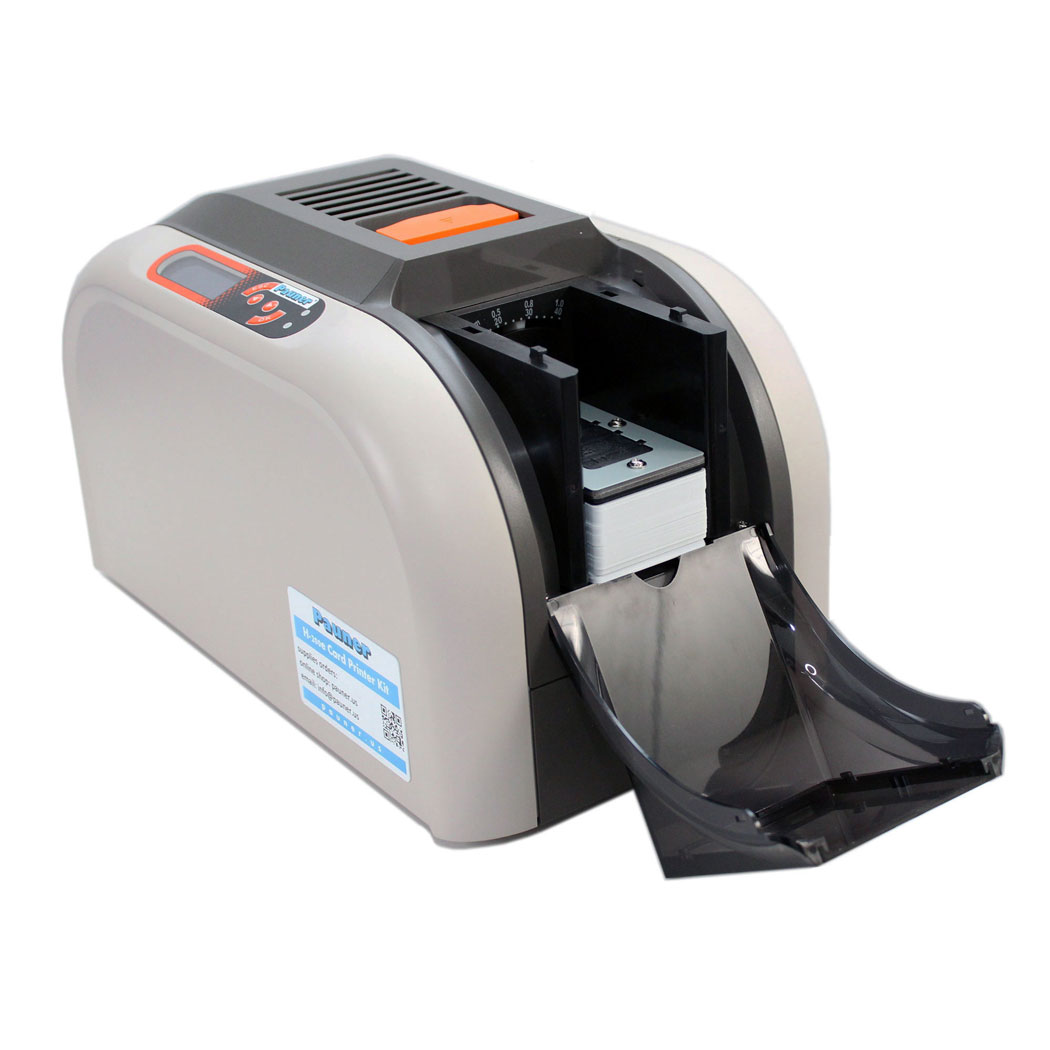
The Pauner H-200e ID card printer kit also includes 400 white plastic cards, which you can order more as needed. You can put 100 plastic cards in the card printer’s input tray at a time. When you put cards in the printer’s input hopper, hold the edge of the card. Do not touch the card’s printing surface with your finger before printing, as the printing ink may not adhere to fingerprints. Therefore you should put 100 cards in the input tray at a time.
You can also print contactless smart chip cards with an ID card printer. A contactless smart chip card is a white plastic card that looks the same as a plastic card without a chip, but the chip card has a chip embedded in the plastic. Contactless smart chip cards you can use, for example, in door locking and time-stamping systems. An important thing to note is that most contactless smart chip cards have a fingertip-sized chip area in one corner, which is slightly uneven and therefore the color of a dye sublimation card printer using sublimation technology does not stick to that area. But the solution to this problem is completely smooth-surfaced Pauner cards, which are available with the Mifare Classic 1K and Mifare Ultralight standards. Smooth-surfaced Pauner cards can be printed on the entire surface, just like plastic cards with chip ink.
Identification photos
When you make photo ID cards with the ID card printer, you can easily attach personal photos. If you already have a photo file on your computer, attach the photo to the software and crop the image if necessary. If you are taking photos with a digital camera or phone camera, first transfer the photos to your computer with a USB cable or to a network folder. You can also take photos with a webcam, which will then be directly included in the card software with a couple of clicks. An HD webcam is available as an accessory. It is possible to connect a studio-grade system camera to the CardPresso XL card printing software version so that you can take photos directly from the ID badge printing software.
ID card printer Kit Pauner H-200e includes:
- 1 pc, ID badge printer Hiti CS-200e, high-quality one sided pvc card printer. Compatible with Windows and Mac OS computers. Warranty time 2 years.
- 1 pc, colour ribbon YMCKO for 400 one sided card printing
- 400 pcs, white pvc cards
- ID badge printing software CardDesiree CS for Windows computers. Easy to use and comprehensive software. Includes also ODBC database and Excel connections.
- ID badge printing software CardPresso XXS for Mac OS and Windows computers.
For more information about purchasing an ID card printer, please email info (at) pauner.us
FAQ – Pauner H-200e ID Card Printer
1. What is the Pauner H-200e ID Card Printer used for?
The Pauner H-200e is designed for fast, high-quality plastic ID card printing, making it ideal for U.S. businesses, schools, gyms, event organizers, and security teams that need on-demand ID badges, membership cards, access cards, and employee ID cards.
2. Can the Pauner H-200e print full-color ID cards?
Yes. The Pauner H-200e uses dye-sublimation technology to produce bright, edge-to-edge full-color ID cards, including photo IDs, visitor badges, and custom plastic membership cards.
3. Does this printer work with standard U.S. PVC card sizes?
Absolutely. The H-200e prints on standard CR80 PVC cards, the same size used for U.S. driver’s licenses and most employee ID badges.
4. How fast does the Pauner H-200e print?
The printer produces a full-color ID card in approximately 20 seconds, making it an excellent choice for high-volume badge printing in offices, security desks, and event registration areas.
5. Is the Pauner H-200e compatible with Windows and Mac computers?
Yes. The printer includes software for both Windows and macOS, allowing U.S. businesses, schools, and organizations to use it on their preferred operating system.
6. What comes included in the Pauner H-200e ID Card Printer Kit?
The complete kit includes:
Pauner H-200e card printer
Full-color YMCKO ribbon
400 PVC cards
Card design software
USB cable
This provides everything you need to start printing ID cards immediately.
7. Does the Pauner H-200e support printing on RFID, smart-chip, or NFC cards?
Yes. The printer supports many common U.S. access-control card types, including smooth-surface smart cards like MIFARE® Classic, making it suitable for building entry systems, time-tracking cards, or contactless access badges.
8. How durable are the cards printed with the Pauner H-200e?
Cards printed with the H-200e are resistant to everyday wear, UV exposure, and smudging, making them suitable for long-term use in U.S. workplaces, schools, and gym membership environments.
9. What long-tail keywords describe the Pauner H-200e for U.S. buyers?
Common long-tail search terms used in the United States include:
“best ID card printer for small businesses in the USA”
“PVC badge printer for employee ID cards”
“plastic card printing machine for access control cards”
“full-color photo ID card printer for office use”
“affordable ID badge printer for schools and gyms”
10. Can the Pauner H-200e print double-sided ID cards?
The Pauner H-200e prints single-sided cards by default. However, double-sided layouts can be printed in two passes. For double sided ID card printing is available the flipper-module accessory.
11. How many cards can the printer create before the ribbon needs to be replaced?
The included YMCKO color ribbon prints approximately 400 full-color cards, perfect for membership programs, staff onboarding, school semesters, or event badge production.
12. Is this ID card printer good for high-volume badge printing?
Yes. With a fast print speed and 100-card input hopper, the Pauner H-200e is ideal for organizations that need continuous or batch card printing, such as HR departments, campus security offices, and event check-in stations.
13. Does the Pauner H-200e require special maintenance?
The printer is designed for low-maintenance operation. Occasional cleaning using a standard PVC printer cleaning kit helps maintain color quality and prolong the life of the machine.
14. Is the Pauner H-200e a good choice for U.S. companies starting ID card printing for the first time?
Yes. The Pauner H-200e is frequently chosen by U.S. small businesses, offices, schools, and property managers because it is easy to set up, simple to use, and includes everything needed to start printing immediately.
15. Where can I buy replacement ribbons and PVC cards for the Pauner H-200e in the United States?
Replacement ribbons and blank PVC cards are available directly from Pauner.us, ensuring U.S. buyers receive compatible, high-quality supplies with fast shipping.
Outside the US you can buy ID card printer from the pauner.io online store >>
Reviews
There are no reviews yet.